Suraj Vaidya
UI/UX Designer + Developer
0   /   100
Wordpress  /  UI / UX Design

GYMHUB

Scroll Down
Role
UI/UX Designer
Start
07 Jan 2021
Launch
01 Feb 2022

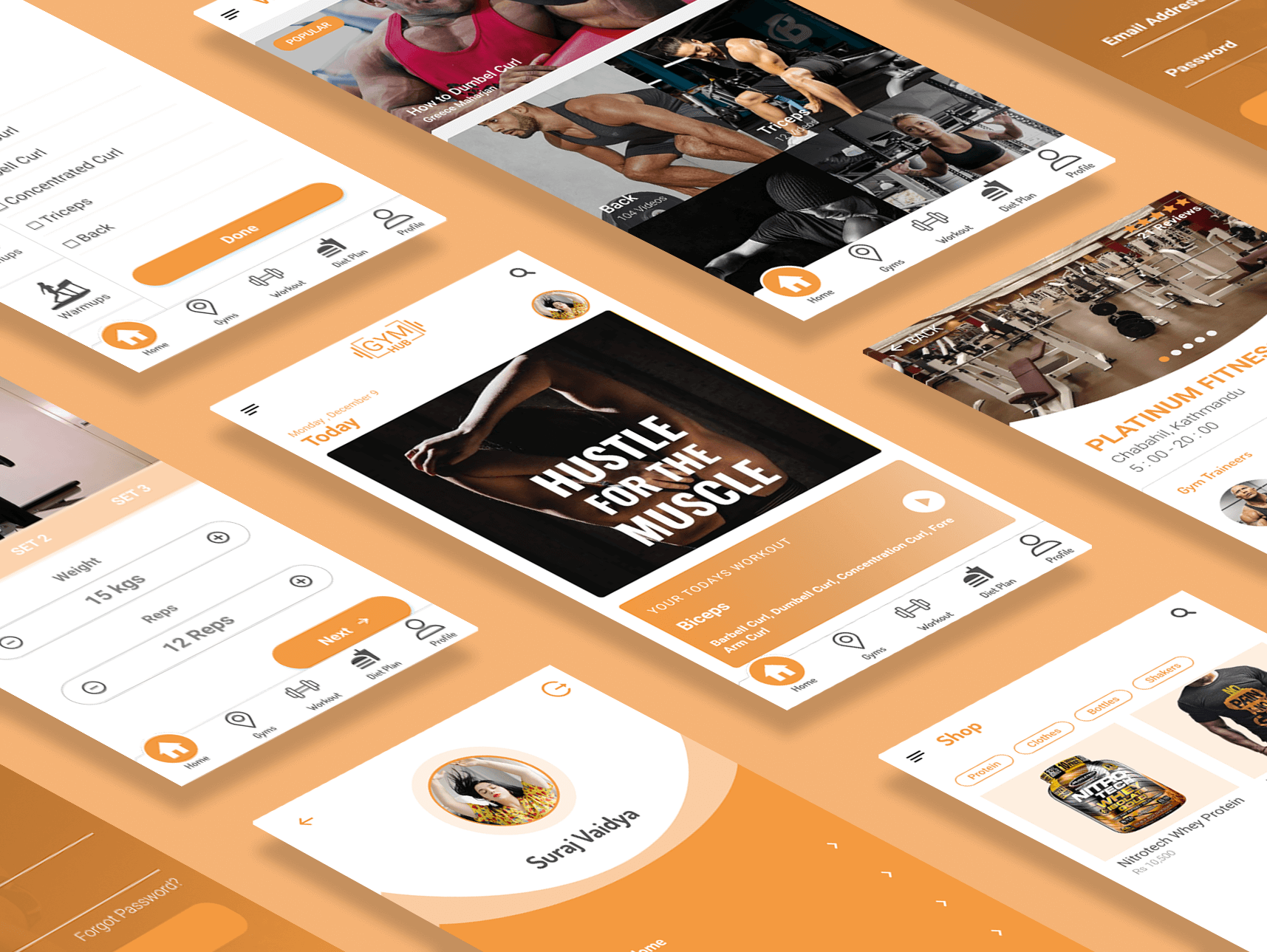
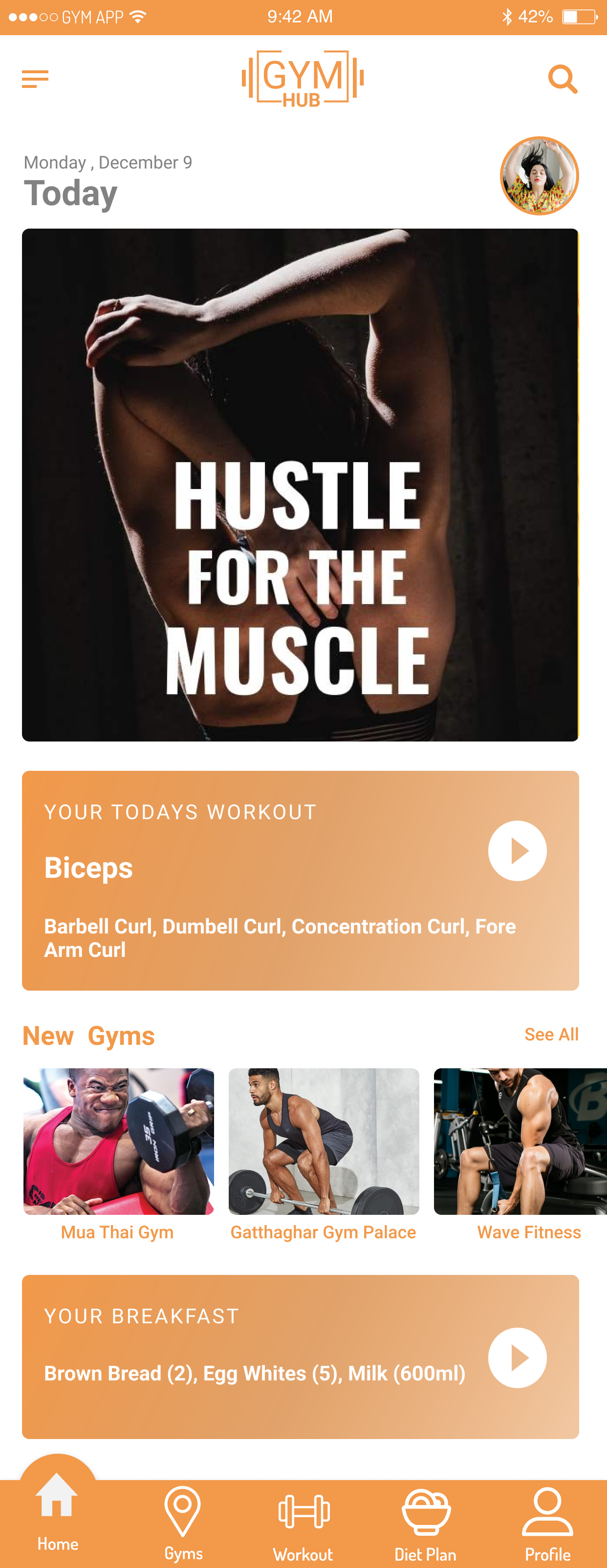
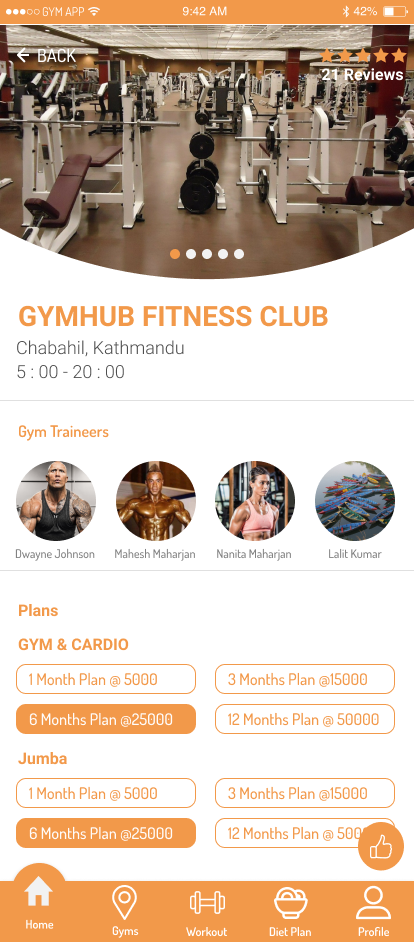
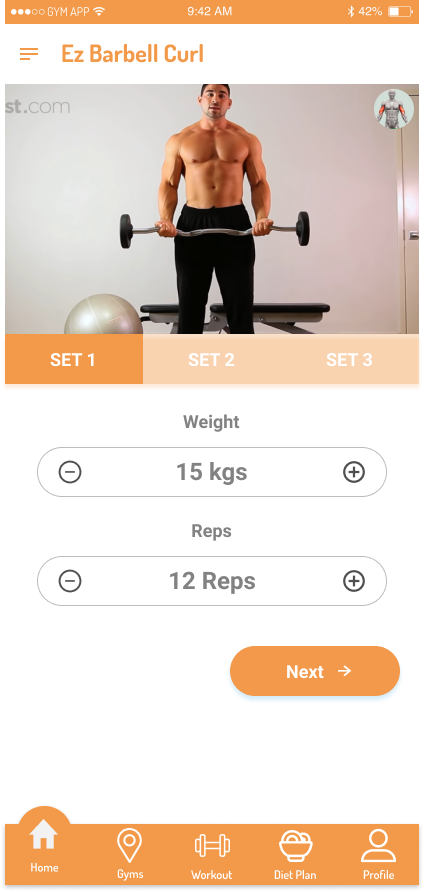
Gymhub is a versatile fitness app designed to streamline your fitness journey. Whether you’re tracking workouts, managing diet plans, or searching for nearby gyms, Gymhub has you covered. Explore detailed gym profiles, including photos, membership packages, and trainer information. Need personalized guidance? Hire a personal trainer directly through the app and access a library of workout videos uploaded by professionals to help you stay motivated and on track. Gymhub is your all-in-one solution for achieving your fitness goals with ease and convenience.

Problem

In today’s diverse fitness landscape, individual goals vary widely, making it challenging to find a unified resource that meets all needs. Users often face the frustration of juggling multiple platforms for workout tracking, diet planning, gym discovery, and personal training services. Gymhub addresses this fragmentation by providing a comprehensive solution that seamlessly integrates all these essential fitness tools into one convenient app, empowering users to achieve their fitness goals efficiently and effectively.

Process

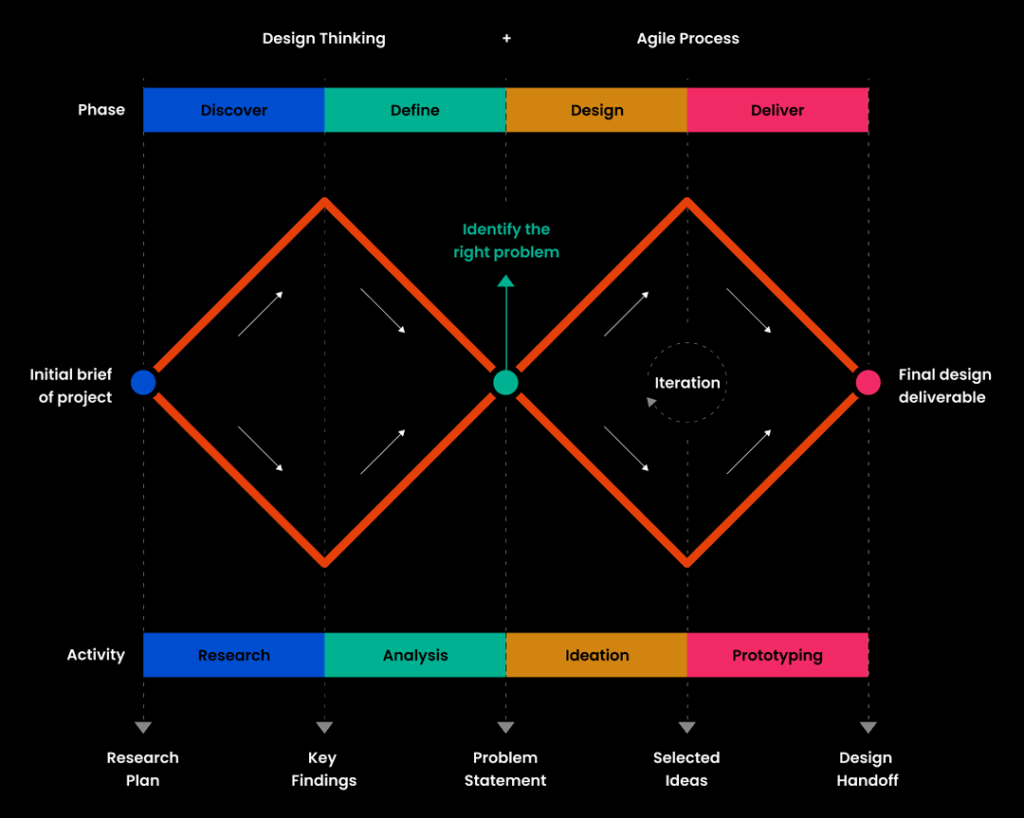
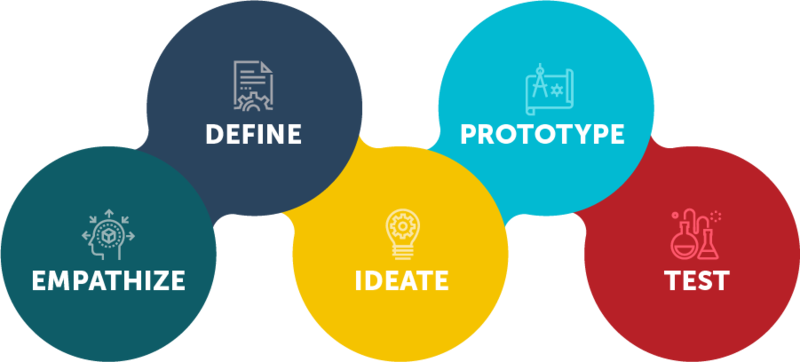
My design process was centred on creating a user-friendly, intuitive experience through continuous iteration and user feedback. I believed that understanding users’ needs and behaviours was crucial to crafting a product that truly resonated with them. By prioritizing a user-centered approach, I ensured that every design decision was informed by real-world insights, allowing to address specific pain points and optimize the user experience. Our commitment to an iterative process meant that we were constantly refining and enhancing the design, incorporating feedback at every stage to deliver a product that not only met but exceeded user expectations. This approach allowed us to stay flexible, adapting to new findings and challenges as they emerged, ultimately leading to a final design that was both functional and delightful to use.Our process involved:

  1. User Research: We conducted extensive research across various professional fields and age groups to understand user needs, preferences, and pain points. This helped us identify key areas of focus for the app’s design.

  2. Initial Design Concepts: Based on the research findings, we developed initial design concepts that aimed to address the identified needs. These concepts were visualized through wireframes and low-fidelity prototypes.

  3. User Testing & Feedback: We tested these initial designs with a sample of users from our target audience. Their feedback was instrumental in highlighting usability issues and areas that needed improvement.

  4. Iterative Refinement: With each round of feedback, we refined the design, addressing pain points and enhancing the user experience. This process involved multiple iterations, ensuring that the final design was both intuitive and aligned with user expectations.

  5. Final Design & Validation: After several iterations, we arrived at a polished design that was validated through further user testing. The final product effectively meets user needs, offering a seamless and engaging experience.

User Interview

  ProfessionKey NeedsKey WantsInsights
  Software Engineers, Developers– Flexible workout schedules
– Integration with tech devices
– Quick, effective workout routines
– Seamless app experience
– Customizable workout plans
– Access to tech-driven fitness tools
They prefer apps that integrate with their smart devices and offer flexible workout options that fit into unpredictable schedules.
  Nurses, Doctors– Stress relief workouts
– Healthy meal planning
– Easy-to-follow routines
– Guided meditation or stress-relief sessions
– Quick, healthy recipes
– Community support
They need stress-relief and easy meal planning due to their high-pressure jobs and irregular hours.
  Managers, Chefs– Late-hour gym options
– Quick, effective home workouts
– Easy diet planning
– Personal trainer access
– Workout routines that can be done at home
– Simple diet tips
They require flexible workout routines and easy diet plans that accommodate late working hours.
  Sales Associates, Store Managers– Energy-boosting workouts
– Weight loss plans
– Convenient gym locations
– Affordable gym memberships
– Group classes
– Short, high-intensity workouts
They value affordable and accessible fitness options, preferring quick workouts that fit into their busy retail schedules.
  Writers, Designers– Home workout routines
– Flexible meal planning
– Regular fitness tracking
– Integration with productivity apps
– Personal trainer guidance
– Progress tracking tools
They need flexible, home-based workout routines and diet plans that can be easily tracked alongside their freelance work schedules.

User persona

Low fidelity screens and user testing

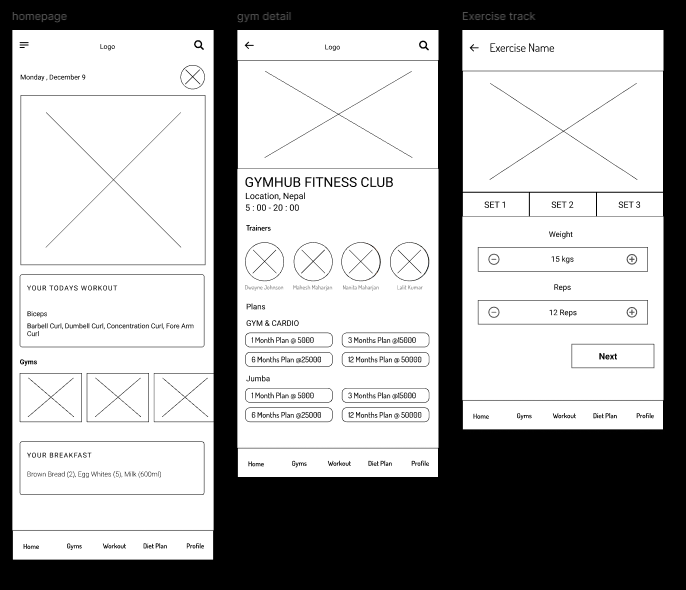
With the features identified during our brainstorming sessions, I created low-fidelity designs in Figma to quickly visualize the app’s structure and flow. To validate these designs and gather early user feedback, I utilized Maze to conduct usability testing with a group of seven users.

During the testing phase, I asked users to perform three core tasks on the low-fidelity prototype. This allowed me to measure critical metrics such as the success rate, bounce rate, and the average time users spent on each task. Additionally, I used the heatmaps generated by Maze to analyze the misclick rate, which provided valuable insights into areas where users encountered difficulties or confusion, helping me identify opportunities for improving the app’s navigation and overall flow.

To gain a deeper understanding of the user experience, I followed up each task with a satisfaction rating (on a scale of 1 to 5) and an open-ended question. This approach enabled me to capture not only quantitative data but also qualitative feedback, revealing specific pain points or suggestions that users had while interacting with the prototype.

Conducting user testing on the low-fidelity designs was instrumental in identifying issues early in the design process. It allowed us to make informed iterations, significantly reducing the overall development time by catching potential problems before moving into higher fidelity stages. This iterative approach ensured that we were constantly improving the design based on real user insights, ultimately leading to a more refined and user-friendly product.

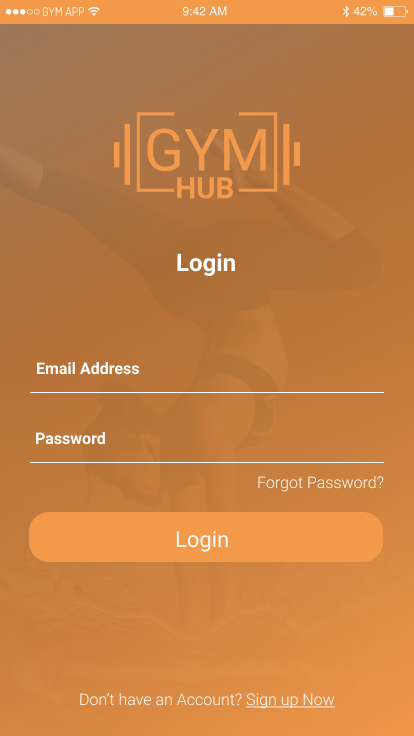
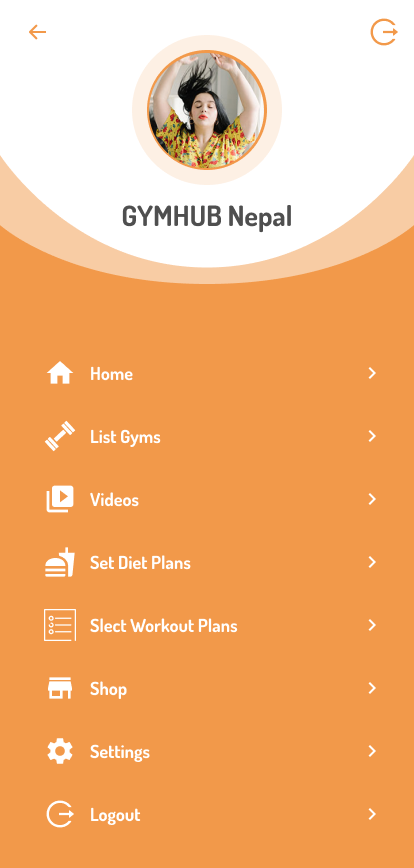
High fidelity screens

Result & impact

I took the insights gained from the initial user testing of our low-fidelity designs and applied them to create high-fidelity prototypes. This transition allowed me to delve deeper into user interactions with a more visually polished and detailed version of the app. During this phase, I conducted comprehensive user testing to observe how users navigated the app and responded to its features.

The detailed feedback from this stage was invaluable in identifying subtle usability issues that weren’t as apparent in the low-fidelity designs. By carefully analyzing user behaviour and responses, I was able to make targeted refinements to improve the app’s overall user experience. These refinements led to a significant increase in the success rate of users completing key tasks, which rose to 90%. This improvement demonstrated the power of an iterative design process that continuously incorporates user feedback to enhance the product.

Moreover, the stakeholder was particularly impressed by the positive user feedback and the substantial progress achieved through our iterative approach. Their recognition of the work further validated the importance of ongoing user testing and refinement in delivering a high-quality, user-centric product. This acknowledgement reinforced my commitment to a design process that is both thorough and responsive to user needs, ensuring the app meets and exceeds expectations.

Conclusion

As the app continues to evolve, I plan to measure key metrics such as Daily Active Users (DAU) to gauge user engagement and retention over time. Additionally, I will assess the effectiveness of our promotional strategies and conduct further testing with end users to ensure the app continues to meet their needs.

To stay aligned with user expectations, I will regularly seek open feedback and conduct interviews with a select group of active users. These insights will guide future iterations, ensuring that the app remains user-centered and continuously improves to deliver an exceptional experience.